Score sheets are paper sheets that teachers fill in by hand, laid out like your report’s columns. Only admins print them.
Before you start
A report must be open for this term. If it isn’t, start it in Report Sheets first. Score sheets use its classes and its online scores.
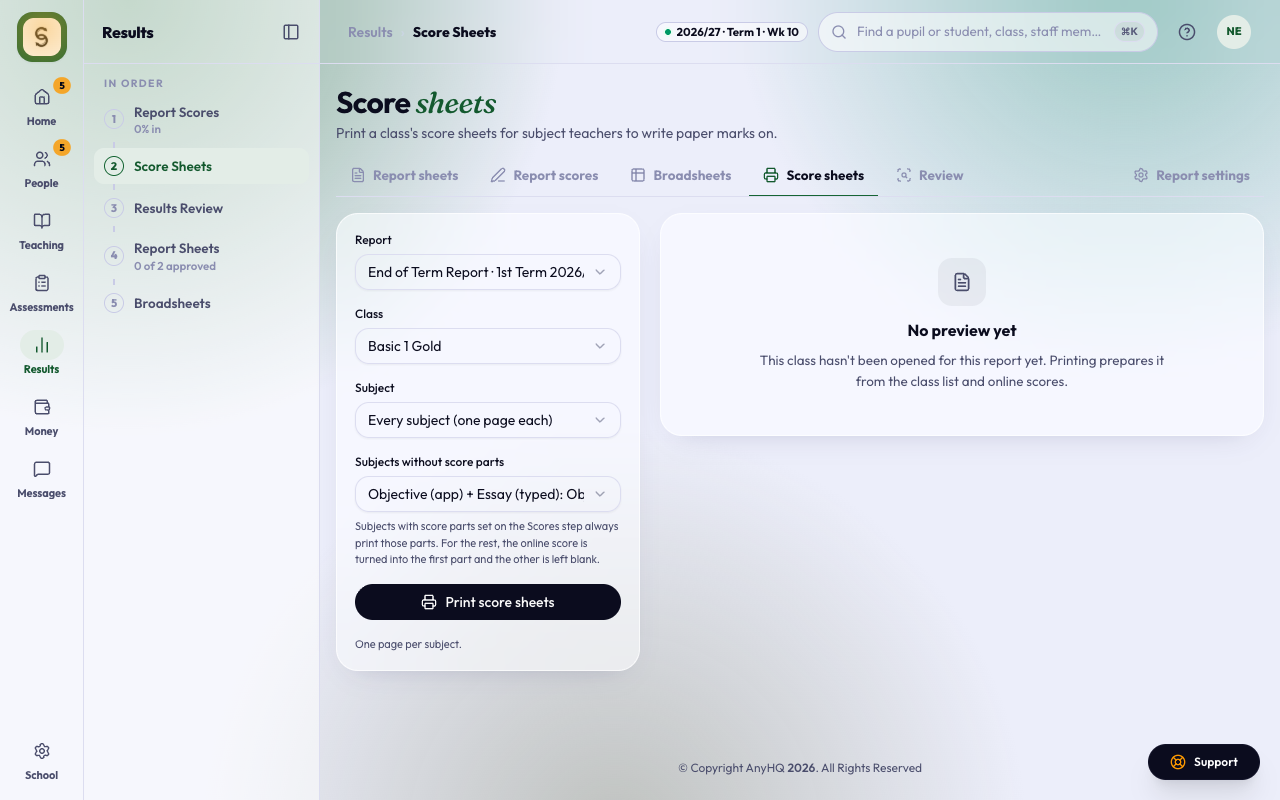
Print them
- Open Score Sheets in the Results space.
- Pick the Report and the Class.
- Under Subject, choose Every subject (one page each), or one subject.
- For subjects that have no score parts, choose a split. Or choose Online score + my own columns and type the columns under Columns to write in, separated by commas (for example Essay, Oral).
- Check the preview beside the options: it shows the first sheet as it prints.
- Press Print score sheets. The sheets open in a new tab.
- Press Print.
To keep a PDF, choose Save as PDF as the printer.