Your school’s records are yours. Download everything saves all of them in one file, so you can keep a backup or take them with you if you leave AnySchool.
Who can download
The school’s owner and your group’s top management can download. Other staff don’t see the button, and AnySchool refuses the download if they try another way. AnySchool switches this on for your school; ask us at support@anyschool.ng if you don’t see it.
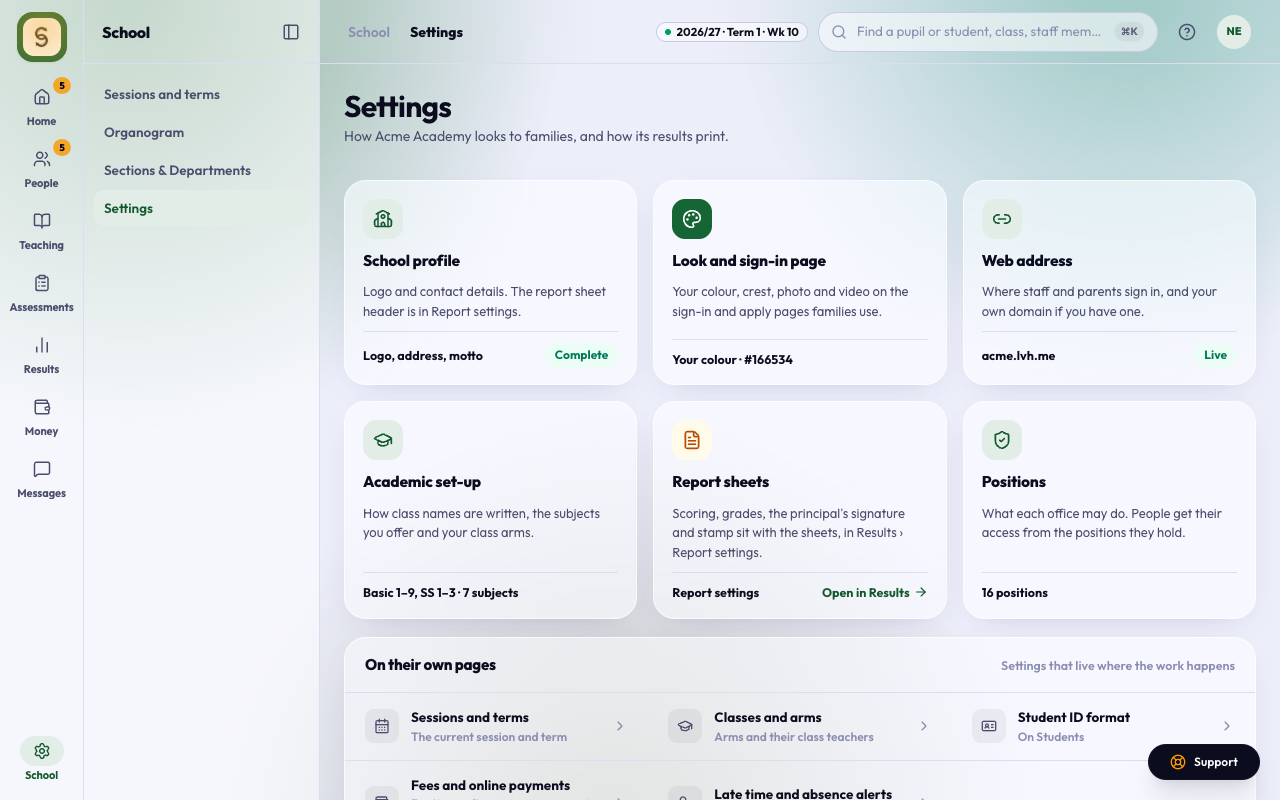
Download everything
- Open Settings in the School space.
- Under Your data, press Download everything.
- Keep the page open while the file downloads. A big school takes up to a minute.
You get one ZIP file named after your school and the date, such as acme-academy-data-2026-11-13.zip.
What’s in the file
The ZIP has one spreadsheet (CSV) per area. Each one opens in Excel, Google Sheets or Numbers:
- students.csv: every student, with their profile and latest class
- guardians.csv and guardian_links.csv: parents and guardians, and whose guardian each one is
- staff.csv: everyone with a staff account, and the positions they hold
- terms.csv, classes.csv, enrolments.csv and subjects.csv: your sessions, classes and subjects, and which class each student was in
- scores.csv and results.csv: every mark, comment and attendance count on your report sheets
- fees.csv and payments.csv: what was billed and what was paid, in naira
- attendance.csv: every register mark
- calendar.csv: holidays, breaks and events
README.txt names every column in every file and says how many rows each has. The files join up by their id columns: student_id in any file is the id in students.csv.
Photos, documents and other uploaded files aren’t in the download. If you need them, write to support@anyschool.ng.
Every download is recorded
Each download is written to your school’s activity log with who downloaded it and when. Settings also shows the last one.